
- Story Detail
Technology Can Be Simple
Nobody walks into a demo asking for complicated software. Every buyer wants the thing that just works. Yet most teams end up with tools their staff avoid, screens nobody understands, and a monthly bill for features they have never opened.
That gap between what people buy and what they get is measurable.
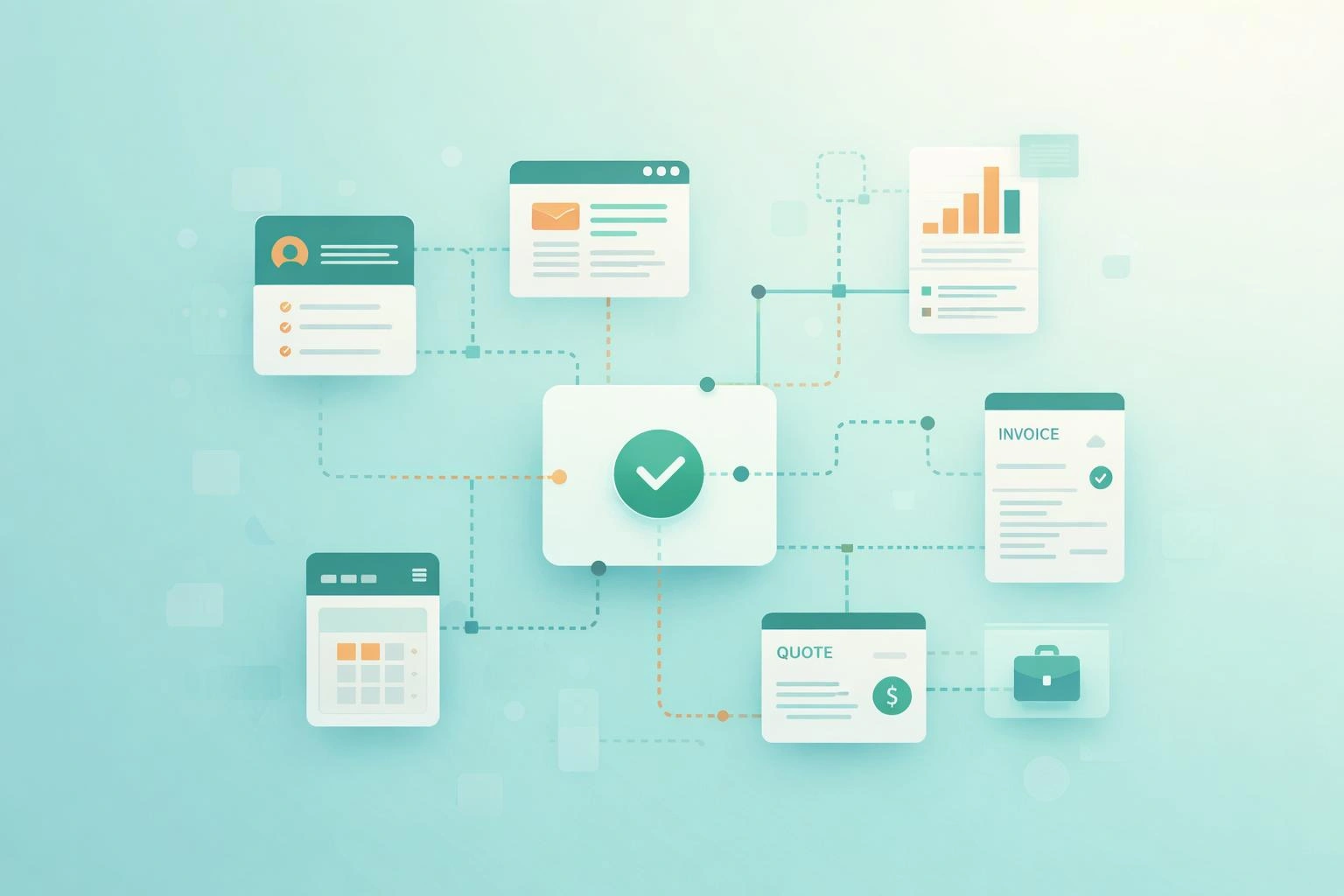
The Gap Between Features Built and Features Used
Pendo studied 615 software subscriptions over three months and found that 80% of features in the average product are rarely or never used. Not disliked. Not misunderstood. Simply never opened.
The flip side is sharper. Around 12% of features generate 80% of daily usage. One feature in eight carries the whole product.
Pendo put the waste at up to $29.5 billion in research and development spending by public cloud software companies, all of it poured into features customers skipped. That is the vendor’s loss. Yours is different, and you pay it every day.
You pay for the unused 80% in your subscription. You pay again when your staff hunts for the one button they need among forty they do not. You pay a third time in training, because somebody has to explain a screen built for a company that works nothing like yours.
The lesson is not that features are bad. It is that a product crowded with them is a product nobody finished designing.
What Switching Between Apps Costs Your Business
Complicated software is one problem. Owning twelve pieces of it is another.
Torii’s 2026 benchmark report found the average enterprise running more than 830 applications, with a median of 680. The average employee touches 40 of them. Only 15.5% are formally approved by anyone, while 61.3% count as shadow IT, meaning somebody signed up, and nobody else knows.
Small businesses run smaller numbers, and the same pattern. A tool for invoices, another for stock, a third for customers, a spreadsheet holding the gaps together.
Here is what that costs in hours. Researchers tracked 137 people across three Fortune 500 companies for up to five weeks, covering roughly 3,200 working days. The average person switched between apps and windows nearly 1,200 times a day.
Each switch cost a couple of seconds to reorient, which added up to just under four hours a week. Across a year, that is five working weeks, or 9% of their time at work. Two thirds of those switches were followed by another one within eleven seconds, which tells you how little real work fits in between.
One example from that study sticks. A single supply chain transaction at a consumer goods company took about 350 switches across 22 different apps and websites, per person.
Nobody designed that. It accumulated.
What Drives Feature Bloat in Business Software
No single person decides to make a product confusing. Four forces do it between them.
Nobody says no to a feature request: A customer asks, the request gets logged, somebody builds it. Repeat for five years, and you have a product shaped by whoever complained loudest, not by the work it was meant to do.
Enterprise sales runs on checklists: Big buyers compare vendors on feature grids. Missing a row loses the deal, so vendors add the row. Those features exist to win comparisons, and your staff pays for them in screen space.
Removing things earns nobody a promotion: Shipping a feature is visible work. Deleting one is risk with no reward, so the pile only grows.
Custom work copies old habits: When a business pays to make new software behave like its old system, it buys the confusion twice. Frappe, the company behind ERPNext, names over-customization as one of the biggest reasons rollouts blow past their cost and timeline.
Each addition looks small on its own. The pile never does.
Why Simple and Basic Are Not the Same Thing
This is where most people get it wrong. Simple sounds like stripped back, basic, able to do less. It is not.
A system can run your accounts, your stock, your purchasing, and your payroll and still feel simple, as long as it stops making you choose. The measure is not how much the software does. It is how many decisions it hands you before you finish one job.
Psychologists worked this out in the 1950s. Hick’s law says the time it takes someone to make a decision grows with the number of options in front of them.
Put twelve buttons on a screen, and the person pauses, reads, weighs. Put two, and they move. Multiply that pause by every screen, every person, every day.
Simple software does four things:
- It picks sensible defaults, so most people never change a setting
- It gives each screen one job, so you know where you are and what happens next
- It names things the way your staff speak, not the way the database stores them
- It builds around the work people repeat, which is where the 12% lives
That last one matters most. Find the handful of actions your team does fifty times a day and make those effortless. Everything else can take an extra click.
How One Task Changes in a Connected System
Take raising an invoice at a small distributor. Across separate tools, the job runs something like this:
- Check stock in one app
- Confirm the customer's payment terms in a second
- Build the invoice in a third
- Mark the order fulfilled in a fourth
- Update a spreadsheet so somebody can report on it on Friday.
Five systems, around twenty clicks, and four chances to type a number wrong. None of those steps is hard. Together they take ten minutes and a bit of concentration, and your team repeats them thirty times a day.
In one system, the same job is a single flow. You open the order, the stock and the terms are already attached to it; the invoice builds from what is there, and the figures reach your accounts without anybody copying them across.
Same capability. Nothing removed. The difference is that somebody designed it as one job instead of five, so the person doing it never has to carry a number in their head from one screen to the next.
What to Check Before Choosing Business Software
Hand it to somebody untrained:
Pick a person who will use it daily, give them one real task, and say nothing. Watch where they stop. Those pauses are your training budget.
1
Count the clicks on your most common job:
Not the impressive job. The boring one you do forty times a day. If it takes nine clicks and three screens, multiply that by forty and by your headcount.
2
Check what the defaults assume:
Good software arrives already set up for the common case. If setup means answering sixty questions before anyone can log in, the vendor has handed you their design work.
3
Ask what it does not do:
A vendor who can answer that has made choices. A vendor who says it does everything has made none, and you inherit all of them.
4
Ask who you call when it breaks:
Reaching the people who built the thing beats filing a ticket with a reseller who has to ask someone else.
5
How We Work at Bentadon
We believe technology should serve people rather than replace them, and that belief shows up in practical decisions rather than slogans.
We take on about ten MVPs a year. That limit is the point. Products get crowded when nobody has time to think about what to leave out, and leaving things out takes longer than putting them in.
Every project is founder-led, so you speak to the people building your software. No reseller sits in the middle translating what you meant.
When we add AI, it supports the person doing the work instead of replacing them. Automating a step somebody hates is worth doing. Hiding how the work happens is not.
Our off-the-shelf ERP follows the same thinking. The groundwork is already built, so most setups finish in under a month rather than the four to nine months small businesses get quoted elsewhere. You pay once for a lifetime license, your customization carries that same lifetime license, and six months of support are included while your team settles in.
There is research behind that last part. Prosci’s 2025 study found human factors mattered six times more than technical ones in whether a business got the benefits it expected from a rollout, while companies put around 92% of their budgets into the technology itself. Software people can actually use beats software that merely has more in it.
Simple is harder to build. It takes longer, it means saying no, and it never looks impressive on a feature grid. It is the only version your team will still be using in three years.
Want to talk about something you are building? Email info@bentadon.com or call +1 (760) 284-7782.
FAQs
Why is business software so complicated?
Because nobody removes anything. Vendors build every feature customers request, add more to win comparison grids in enterprise sales, and earn no credit for deleting. Years of that leave products where 80% of features are rarely or never used.
What percentage of software features do people actually use?
Pendo analyzed 615 software subscriptions and found 80% of features are rarely or never used. Around 12% of features generate 80% of daily usage, so roughly one feature in eight carries the whole product.
How much time do employees lose switching between apps?
Researchers tracking 137 people across three Fortune 500 companies found the average person switched between apps nearly 1,200 times a day. Reorienting after each switch cost just under four hours a week, which adds up to five working weeks a year, or 9% of their time at work.
Does simple software mean fewer features?
No. A system can run your accounts, stock, purchasing, and payroll and still feel simple. What makes software simple is how many decisions it asks of you per task, not how much it can do. Good defaults, one job per screen, and familiar naming matter more than feature count.
How do I choose software my team will actually use?
Hand it to an untrained person, give them one real task and watch where they stop. Count the clicks on the job you repeat most. Check whether the defaults suit you out of the box. Then ask the vendor what their product does not do.